
Betacular India Support and Customer Service
The Betacular support team is available around the clock to assist with account questions, payment issues, and technical concerns. You can reach customer service via live chat, phone, email, WhatsApp, and Telegram, with responses available in English and Hindi. Live chat connects you to an agent in under two minutes, while email responses typically arrive within 24 hours.

Live Chat Support
Live chat is the fastest way to reach the Betacular customer support team for immediate assistance. It is available 24 hours a day, 7 days a week, directly from the website or mobile app.
How to Access Live Chat
Click the chat icon in the bottom corner of any page on the Betacular website or app. A support agent will join the conversation within two minutes during normal traffic periods.
Best Use Cases for Live Chat
- Account login issues
- Deposit or withdrawal queries
- Bonus and promotion questions
- Verification status updates
- General account enquiries
Contact Details and Hours
- Available: 24 hours a day, 7 days a week
- Languages supported: English, Hindi
- Average response time: under 2 minutes
Tips to Get Faster Help
- Log in before starting the chat so the agent can access your account directly
- Briefly describe your issue in the first message
- Have your registered email address ready
- Attach a screenshot if you are reporting an error
Live chat is the recommended first point of contact for most queries. It connects you to a trained agent immediately, without waiting in a phone queue or drafting a detailed email.
Email Support
Email support is best suited for detailed queries, formal requests, and cases that require documentation. The support email address is monitored by a dedicated team every day of the week.
How to Contact via Email
Send your query to [email protected]. Include your registered username, a clear description of the issue, and any relevant attachments such as screenshots or transaction IDs.
Best Use Cases for Email
- KYC document submission and verification requests
- Formal complaints or dispute escalations
- Account closure or data requests
- Detailed transaction queries
- Self-exclusion requests
Contact Details and Response Times
- Email address: [email protected]
- Response time: within 24 hours on business days
- Available: 7 days a week
Tips for a Faster Email Response
- Use a clear subject line such as “Withdrawal Issue – Account [your username]”
- Include all relevant details in the first message to avoid back-and-forth
- Attach screenshots or proof where applicable
- Send from the email address registered to your account
- Avoid sending multiple follow-up emails, as this may push your ticket further back in the queue
Email is the most suitable channel for complex or time-sensitive account matters that require a written record.
Phone Support
Phone support gives you direct voice access to a customer service agent for urgent or complex account matters. It is one of the most reliable ways to resolve an issue in a single interaction.
How Phone Support Works
Dial the Betacular helpline number listed on the Contact page of the website. You will be connected to an agent who can verify your identity and assist with your query in real time.
Best Use Cases for Phone Support
- Urgent account access problems
- Payment delays or failed transactions
- Identity verification assistance
- Situations where written communication has not resolved the issue
Contact Details and Hours
- Helpline number: available on the website Contact page
- Operating hours: Monday to Sunday, 9:00 AM to 11:00 PM IST
- Languages available: English, Hindi
- Toll-free option: confirmed upon registration for eligible users
Tips for a Better Phone Experience
- Call during off-peak hours, such as mid-morning on weekdays, to reduce wait times
- Have your registered email address, username, and account details ready before calling
- Note the agent’s name and the time of your call for future reference
- If the line is busy, live chat is available as an immediate alternative
Phone support is particularly useful when you need a clear verbal explanation or when your issue has multiple layers that are difficult to describe in text.
Technical Support
For issues that go beyond general account queries, a dedicated technical support team is available to assist with platform-related problems. This team handles game errors, payment failures, and login difficulties that require deeper investigation.
How to Access Technical Support
Contact technical support through the live chat option by selecting “Technical Issue” from the topic menu, or send an email to [email protected] with full details of the problem.
Issues Handled by Technical Support
- Login failures or account lockouts
- Game loading errors or mid-session crashes
- Payment processing failures or pending transactions
- App installation or update issues
- Two-factor authentication problems
Contact Details and Response Times
- Email: [email protected]
- Via live chat: select “Technical Issue” at the start of your session
- Response time: within 4 to 12 hours for email; under 5 minutes via chat
- Availability: 24 hours a day, 7 days a week
Tips for Faster Technical Resolution
- Include a screenshot of any error message you see
- Note the exact time the issue occurred and which game or section was affected
- Mention your device type and operating system version
- Clear your browser cache or app cache before contacting support, as this resolves many common issues
- Provide your account username and transaction ID if the problem is payment-related
Providing detailed information upfront helps the technical team identify and resolve the issue faster, often without the need for follow-up messages.

VIP and Priority Support
High-tier players and VIP members have access to a dedicated priority support service with shorter response times and a personalised experience. This service is designed for players who require a higher level of attention and discretion.
How VIP Support Works
Eligible players are assigned a dedicated account manager who can be reached directly via a private contact number, priority email address, or reserved live chat queue.
Who Qualifies for Priority Support
- Players who have reached Gold, Platinum, or Diamond tier in the Betacular loyalty programme
- High-volume depositors as identified by the platform
- Players with an active VIP invitation from the Betacular team
Issues Given Priority Treatment
- Withdrawal approvals and fast-track processing
- Personalised bonus arrangements
- Account management and limit adjustments
- Complaint resolution and escalations
Contact Details for VIP Members
- Dedicated priority email: [email protected]
- Priority chat access: available from within the VIP dashboard after logging in
- Direct phone line: shared upon VIP activation
- Response time: under 30 minutes via email; under 1 minute via priority chat
How to Access VIP Benefits
- Maintain consistent deposit and wagering activity across your account
- Respond promptly to any VIP invitation sent to your registered email
- Contact the standard support team to ask about eligibility if you believe you qualify
Priority support is included as part of the VIP programme at no additional cost to eligible members.

Verification and KYC Support
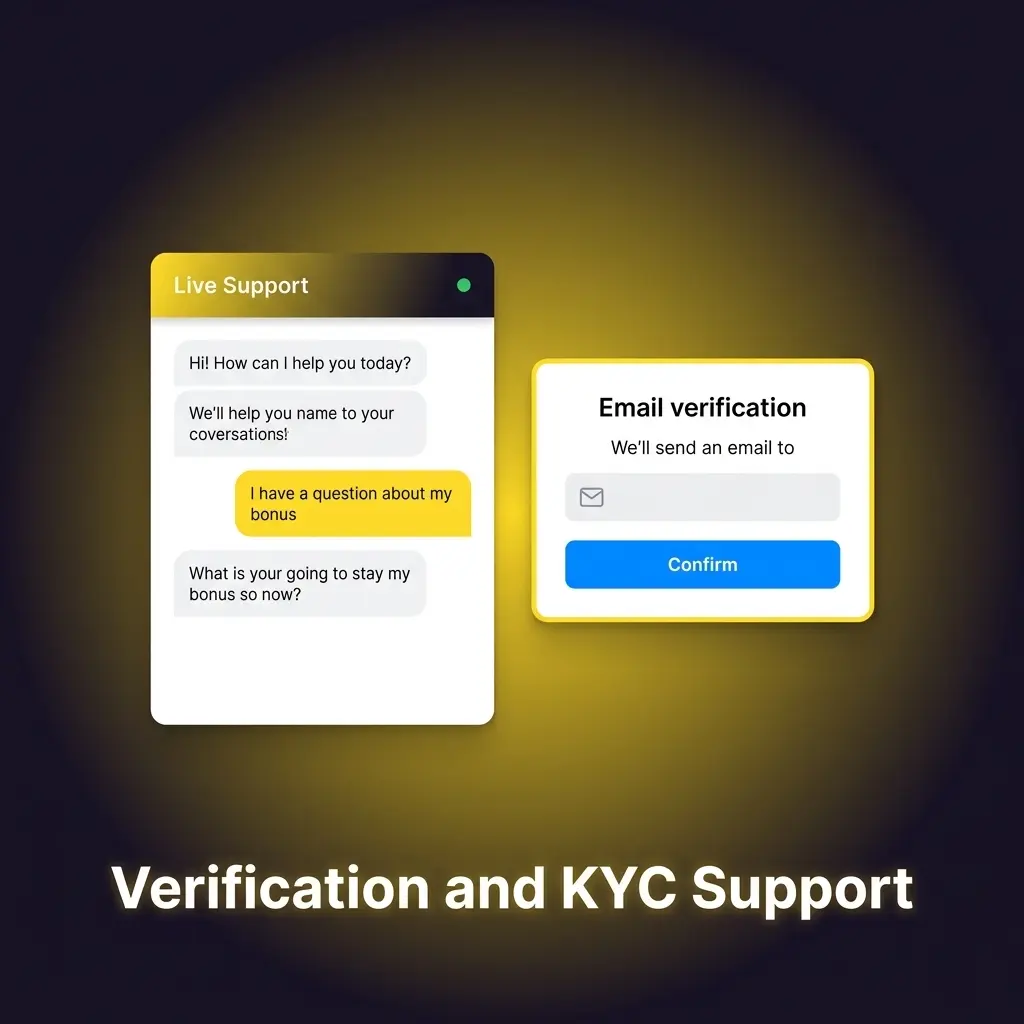
Account verification is a standard security process that protects your account and prevents unauthorised access on the Betacular platform. To complete identity verification, you will need to submit a valid government-issued ID card along with a proof of current address such as a utility bill or bank statement. All submitted documents are stored on encrypted, protected servers in accordance with applicable data protection standards. For the best chance of passing verification on the first attempt, submit clear, high-quality images where all corners and text are fully visible.
Self-Exclusion and Responsible Gambling Support
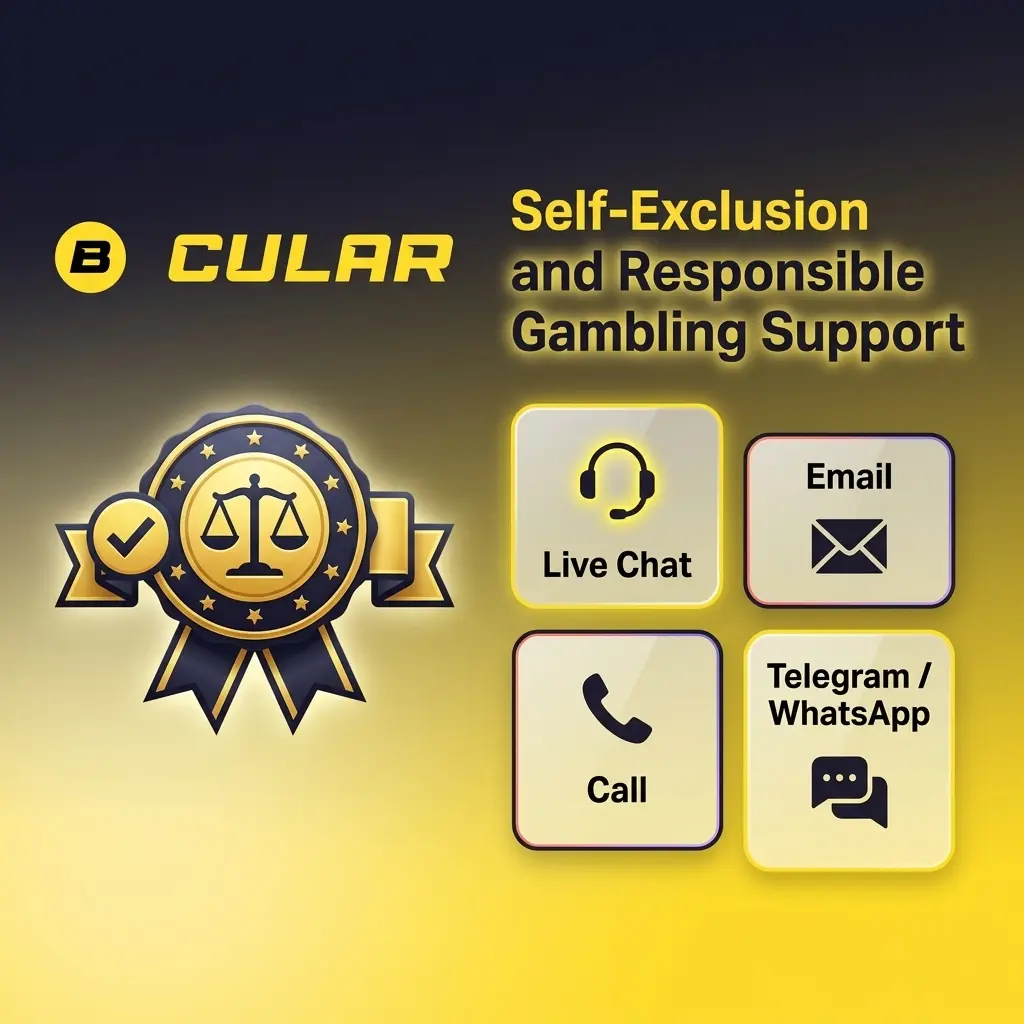
Betacular takes responsible gambling seriously, and support specialists are trained to identify signs of gambling-related harm and respond with appropriate guidance. If you feel that gambling is affecting your daily life, you can request a self-exclusion by contacting the support team via live chat or email and using the phrase “Self-exclusion” in your message. Requests are processed immediately upon verification, and your account will be restricted for the duration you specify. Additional tools such as deposit limits, loss limits, and cool-off periods are also available and can be activated through account settings or by contacting the customer service team directly.
Updated:
Social Media and Messaging Support
For players who prefer messaging apps, the Betacular support team is reachable on WhatsApp and Telegram, as well as through official social media channels. These platforms are useful for quick questions and general updates.
Available Platforms
Best Use Cases for Messaging Support
Response Timeframes
Tips for Effective Communication on These Platforms
Messaging platforms are convenient for everyday questions but are not recommended for sensitive account matters such as KYC or dispute resolution.